Installing the Spectrum App
Spectrum is available as a Progressive Web App (PWA), giving you a faster and more native experience directly from your browser.
How to Install
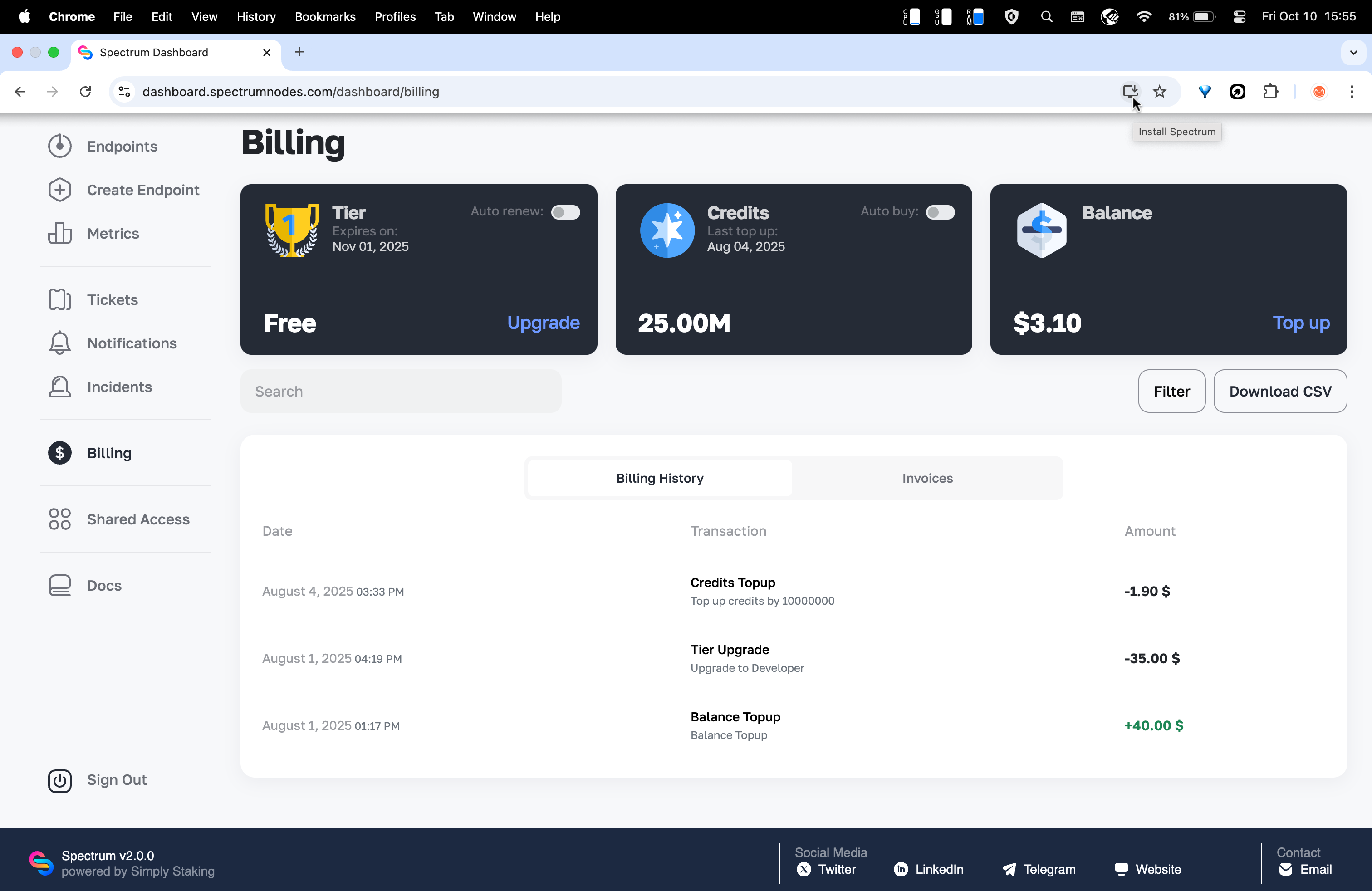
- Open dashboard.spectrumnodes.com in Chrome on your desktop computer.
- Look for the install icon in the address bar (computer screen with a downward arrow).
- Click Install Spectrum and Spectrum will be added to your desktop or applications folder.
- Launch it directly from your dock or Start menu for a native-like experience.
How to Uninstall
Visit chrome://apps in your browser of choice. Right click the Spectrum app and select Uninstall.