Open a Support Ticket
Need help with your account, endpoint configuration, billing, or something else? Opening a support ticket is the fastest way to get technical assistance from the Spectrum team.
Step 1: Log in to Your Dashboard
- Visit: dashboard.spectrumnodes.com
- Enter your user credentials if logged out.
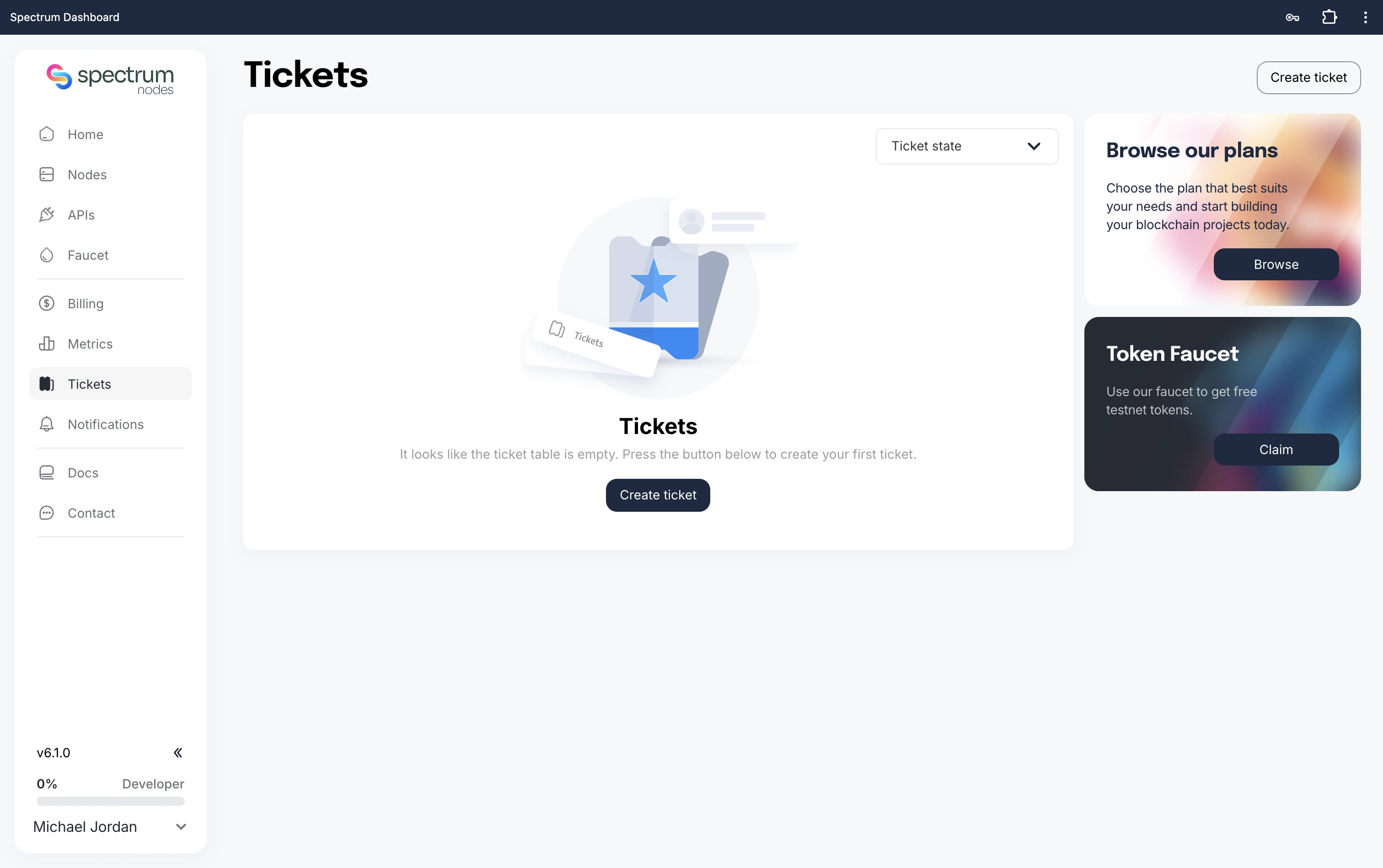
Step 2: Go to Tickets
- Click Tickets in the left sidebar.
- Select the Create Ticket button to commence your ticket.
Step 3: Enter Ticket Details
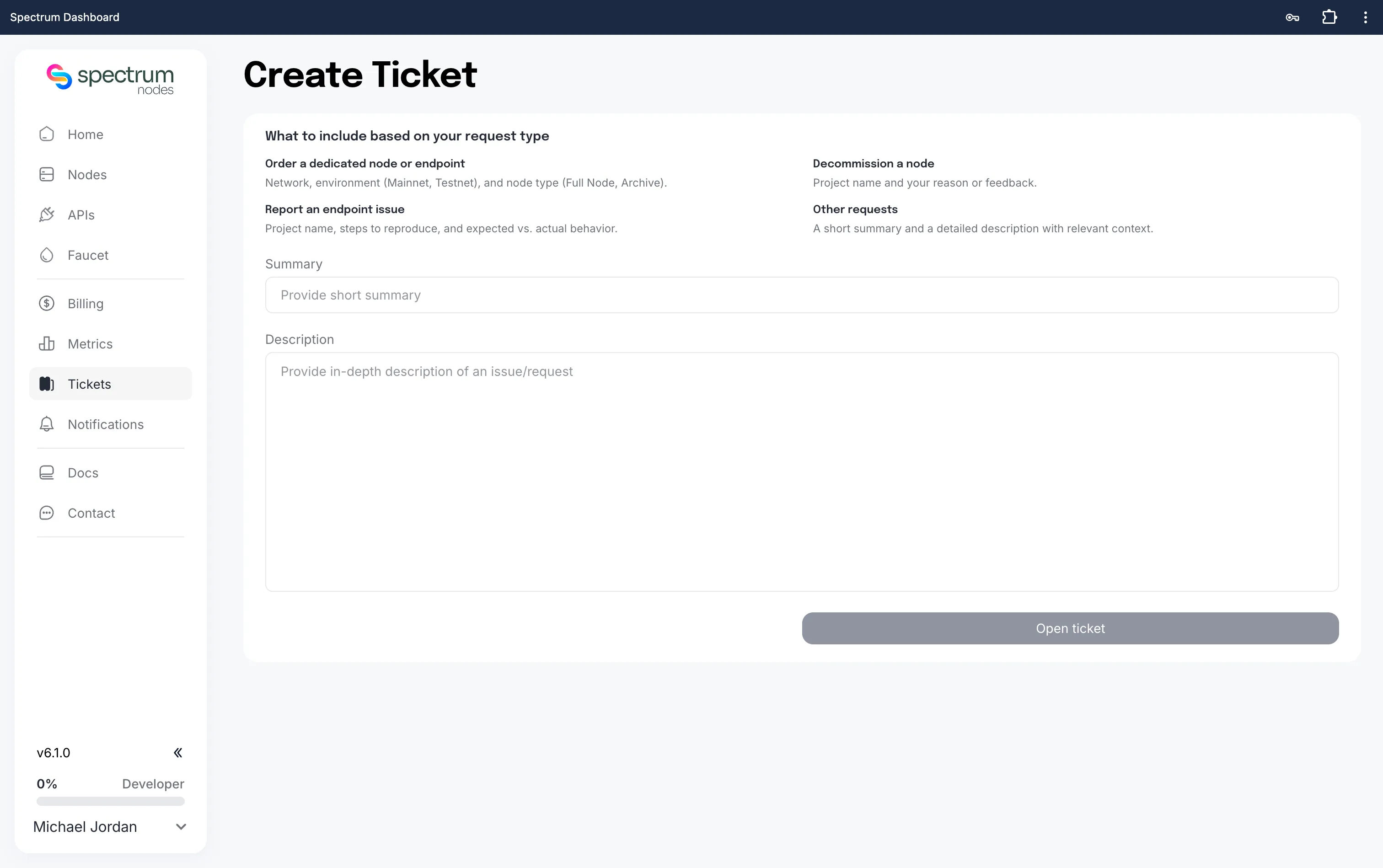
- Enter a short Summary of your issue.
- Write an in-depth Description. Include details based on your request type:
- Order a dedicated node or endpoint: network, environment (Mainnet, Testnet), and node type (Full Node, Archive).
- Decommission a node: project name and your reason or feedback.
- Report an endpoint issue: project name, steps to reproduce, and expected vs. actual behaviour.
- Other requests: a short summary and a detailed description with relevant context.
The more detail you provide, the quicker and more accurately we can assist you.
- Click Open Ticket to submit your request.