Create Your Account
Before you can deploy nodes or access your dashboard, you’ll need to create an account. This guide will walk you through the process step-by-step.
Step 1: Visit Our Website
- Open your preferred browser and visit: spectrumnodes.com
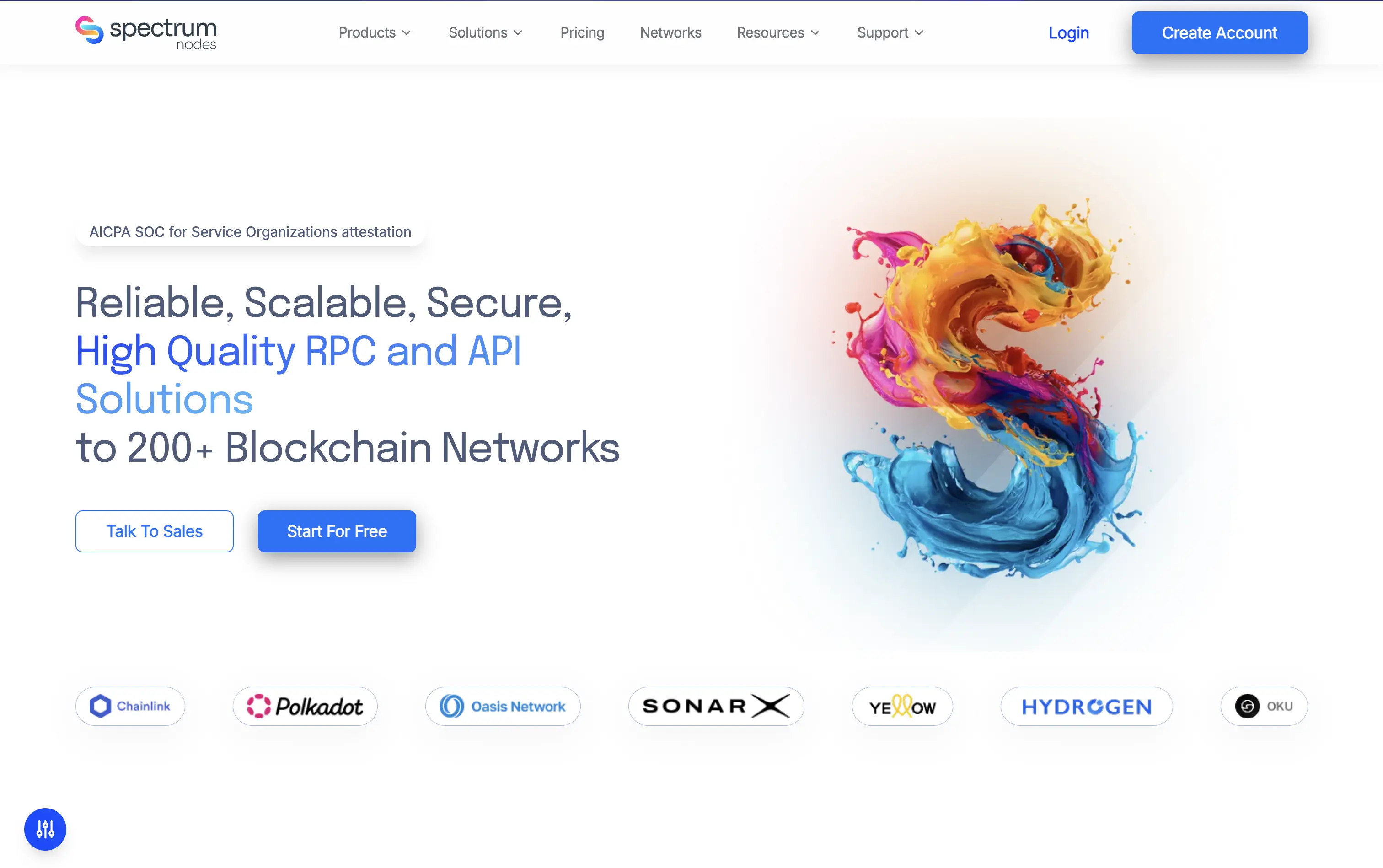
- Click on the Create Account button in the top-right corner of our homepage.
- You’ll be directed to the registration page.
Step 2: Fill In Your Details
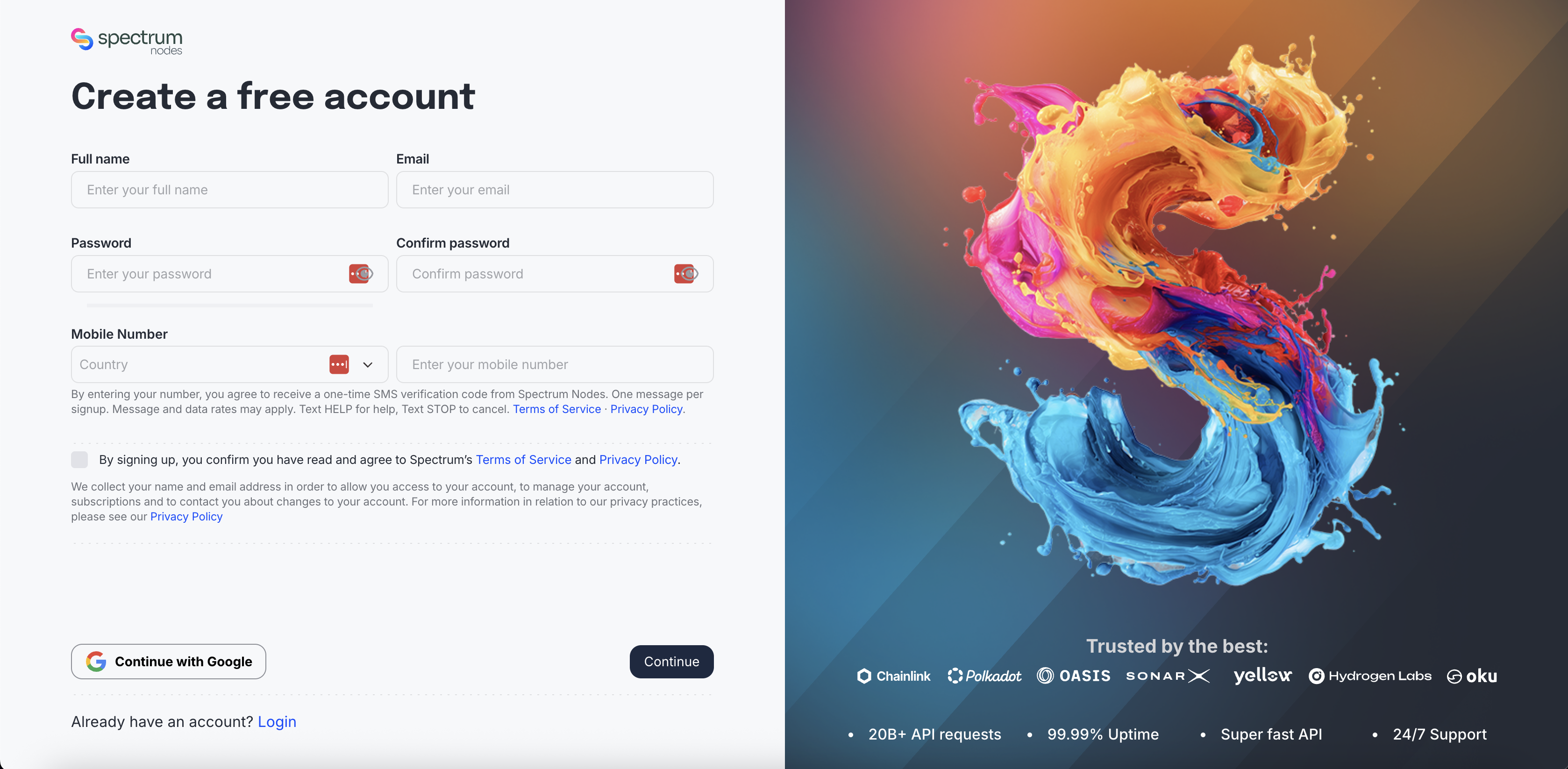
You can Continue with Google, or enter your details manually. A mobile number is required either way.
- Full name
- Email address: a valid, accessible email.
- Password: choose a strong password (at least 8 characters with a mix of letters, numbers, and symbols) and repeat it to confirm.
- Mobile number: select your country and enter your phone number. We use this to send a one-time SMS verification code.
- Check the box to confirm you’ve read and agree to Spectrum’s Terms of Service and Privacy Policy.
Then press Create a free account to submit your registration.
A mobile number is required for every sign-up, including when you Continue with Google.
Step 3: Verify Your Email
- After submitting the form, you’ll receive a verification email.
- Open your inbox and scan the QR code displayed using an authenticator app.
- Google Authenticator can be installed via:
- Apple App Store for iOS
- Google Play Store for Android
- Google Authenticator can be installed via:
- If you don’t see the email within a few minutes, check your spam or junk folder.
Step 4: Verify Your Phone Number
- Enter the one-time code (OTP) sent via SMS to the mobile number you provided.
- Submit the code to finish setting up your account.
This SMS verification is a one-time check during sign-up. Day-to-day logins use the One Time Code (OTC) from your authenticator app (see below).
Step 5: Log In
- Return to spectrumnodes.com and click the Login button.
- Enter your email and password and click Login.
- When prompted, enter the One Time Code (OTC) in your authenticator app.
Your OTC seed is sent to your email address upon account creation. To regenerate it, scan the QR code in your registration email from Spectrum Nodes.
- Finally, click Sign In to access your dashboard.