Generate Invite Code
Create invite codes to allow users to join your organisation’s shared nodes and resources.
Step 1: Log in to Your Dashboard
- Visit: dashboard.spectrumnodes.com
- Enter your user credentials if logged out.
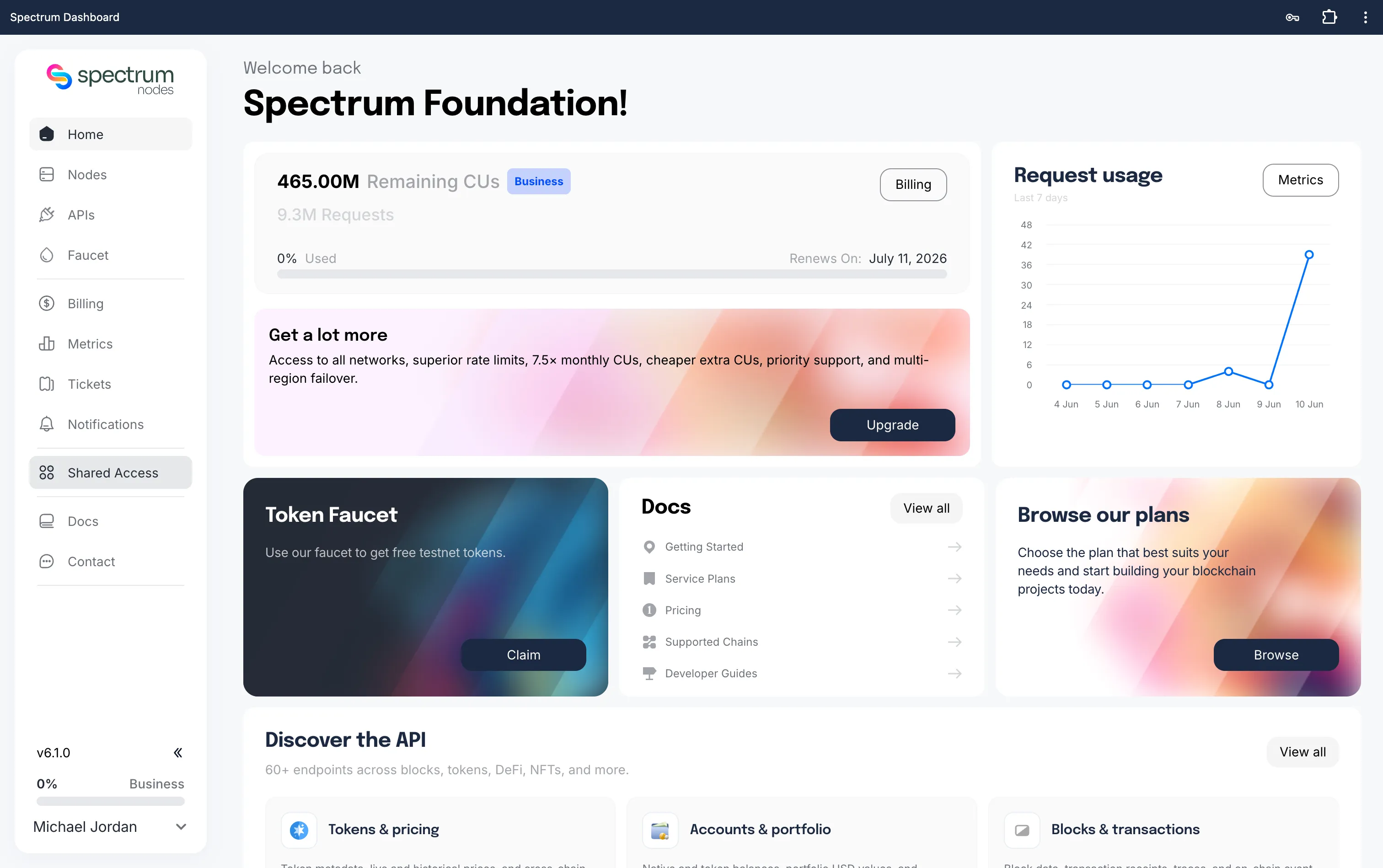
Step 2: Navigate to Shared Access
- In the left sidebar, you should see a Shared Access tab below Billing.
- If you do not see the Shared Access tab, you may need to upgrade your account to access this feature.
Step 3: Go to Codes
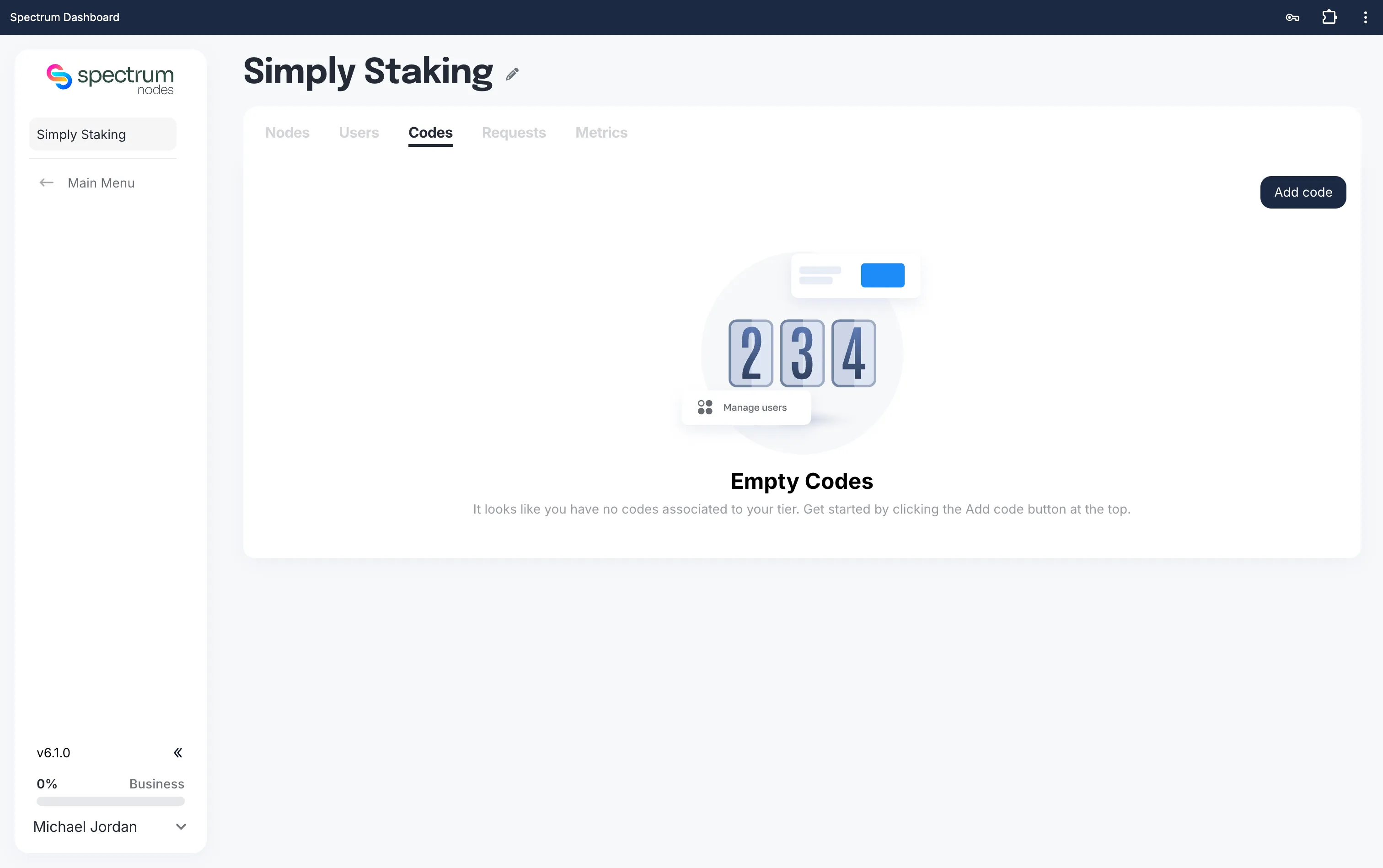
- Inside the Shared Access panel, click on the Codes tab.
- Click Add Code to create your first invite code.
Step 4: Configure Your Code
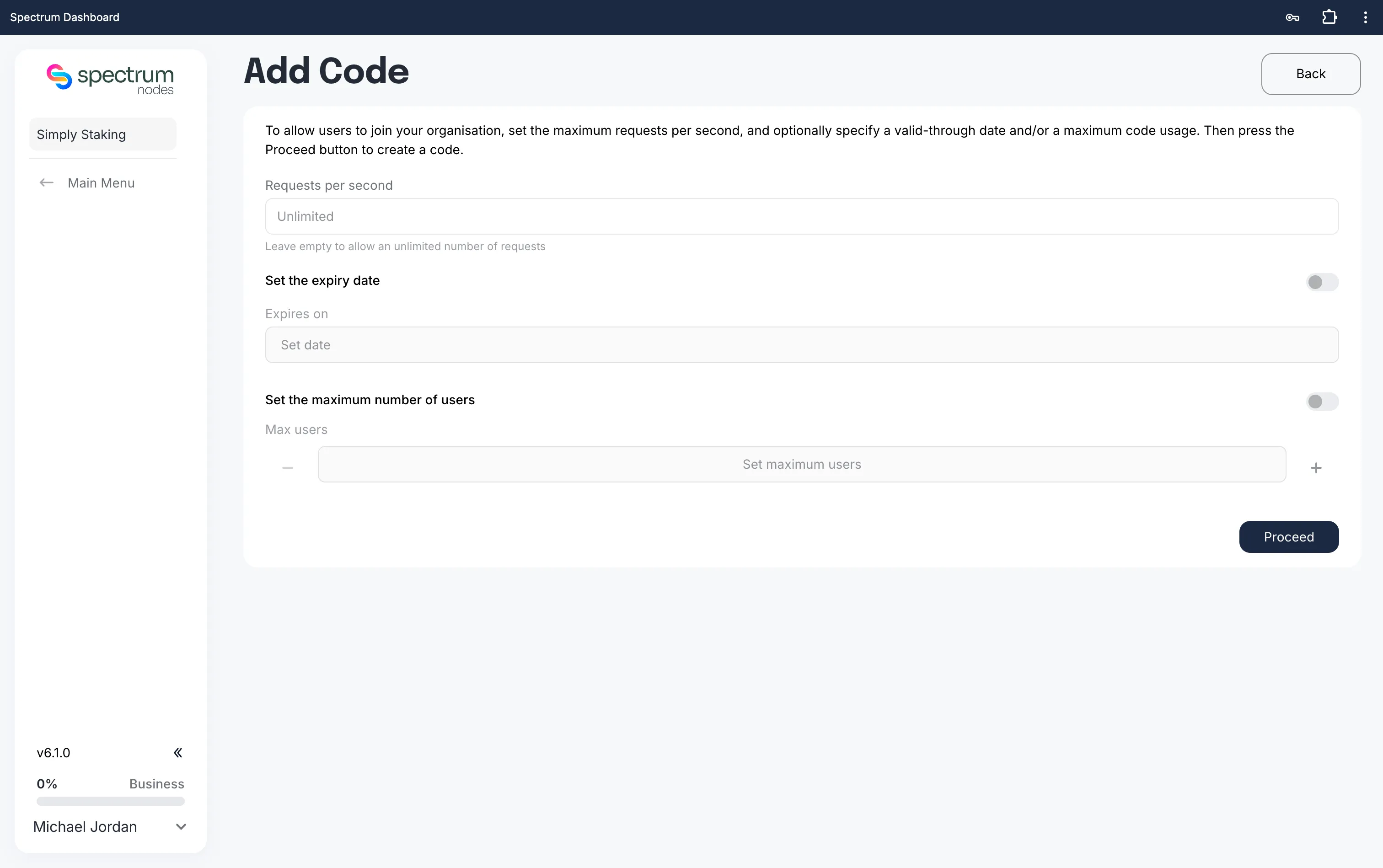
On the Add Code page:
- Requests per second:
- Enter the maximum allowed requests per second for users who join with this code.
- Leave blank for unlimited requests.
Industry context: Free tiers in the market usually allow 10-50 RPS, paid tiers offer 50-500 RPS, and enterprise plans can reach 5,000-50,000 RPS for high-demand workloads.
- Set expiry date (optional):
- Specify a date when the code will expire.
- After this date, the code will no longer be valid.
- Max users (optional):
- Enter the maximum number of users who can join with this code.
- Leave blank for unlimited usage until expiry.
Step 5: Generate Code
Once all details are set:
- Click Proceed to generate the code.
- Share the code securely with the users you want to invite.
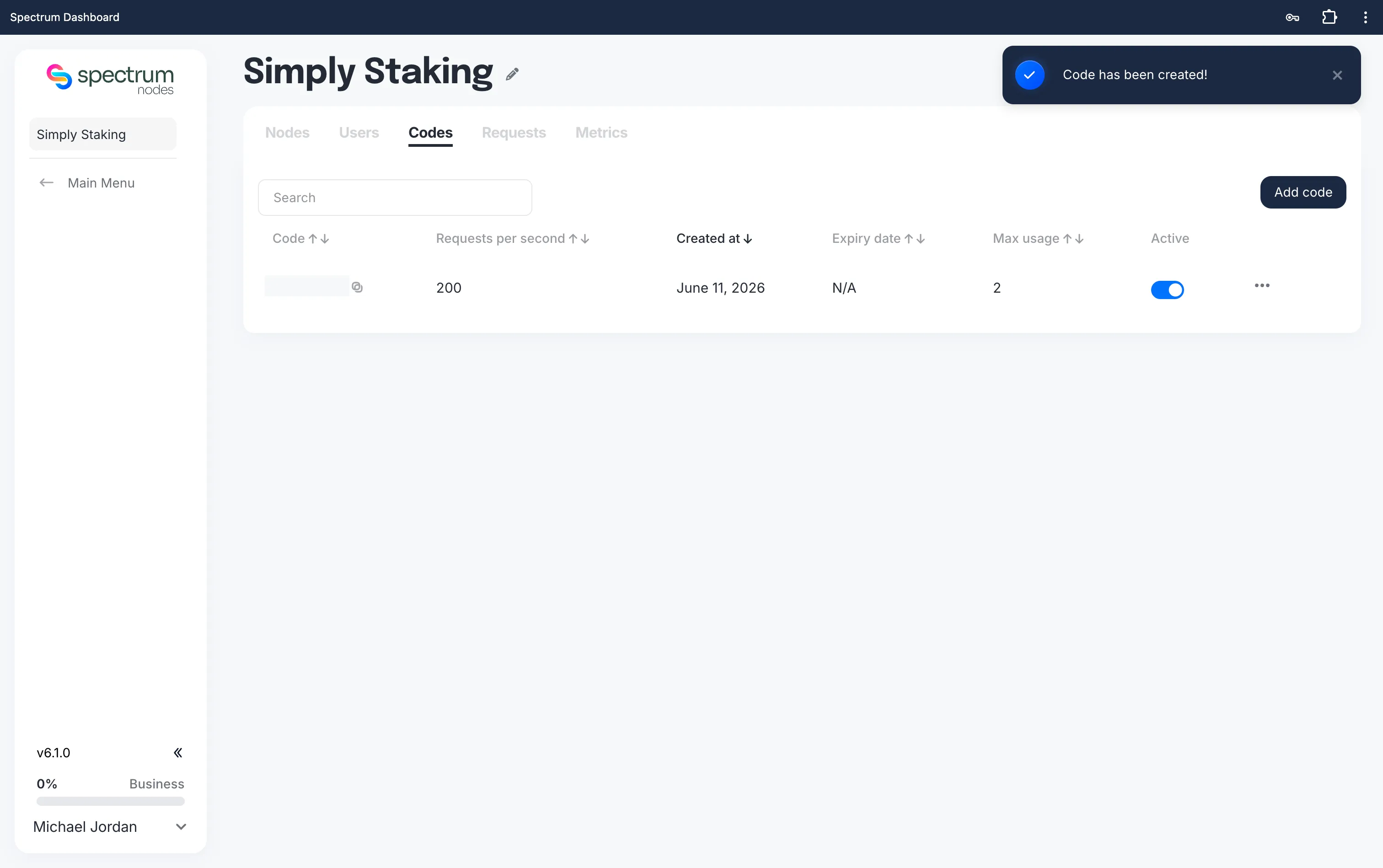
Treat invite codes like passwords. Only share them with trusted users, and use expiry dates or usage limits for better security.