Join an Organisation by Code
If you’ve been given an invite code, you can use it to join an organisation or foundation in Spectrum and gain access to shared nodes and resources.
Step 1: Log in to Your Dashboard
- Visit: dashboard.spectrumnodes.com
- Enter your user credentials if logged out.
Step 2: Go to Your Account
- In the bottom-left corner, click your name.
- Click Profile to open your account.
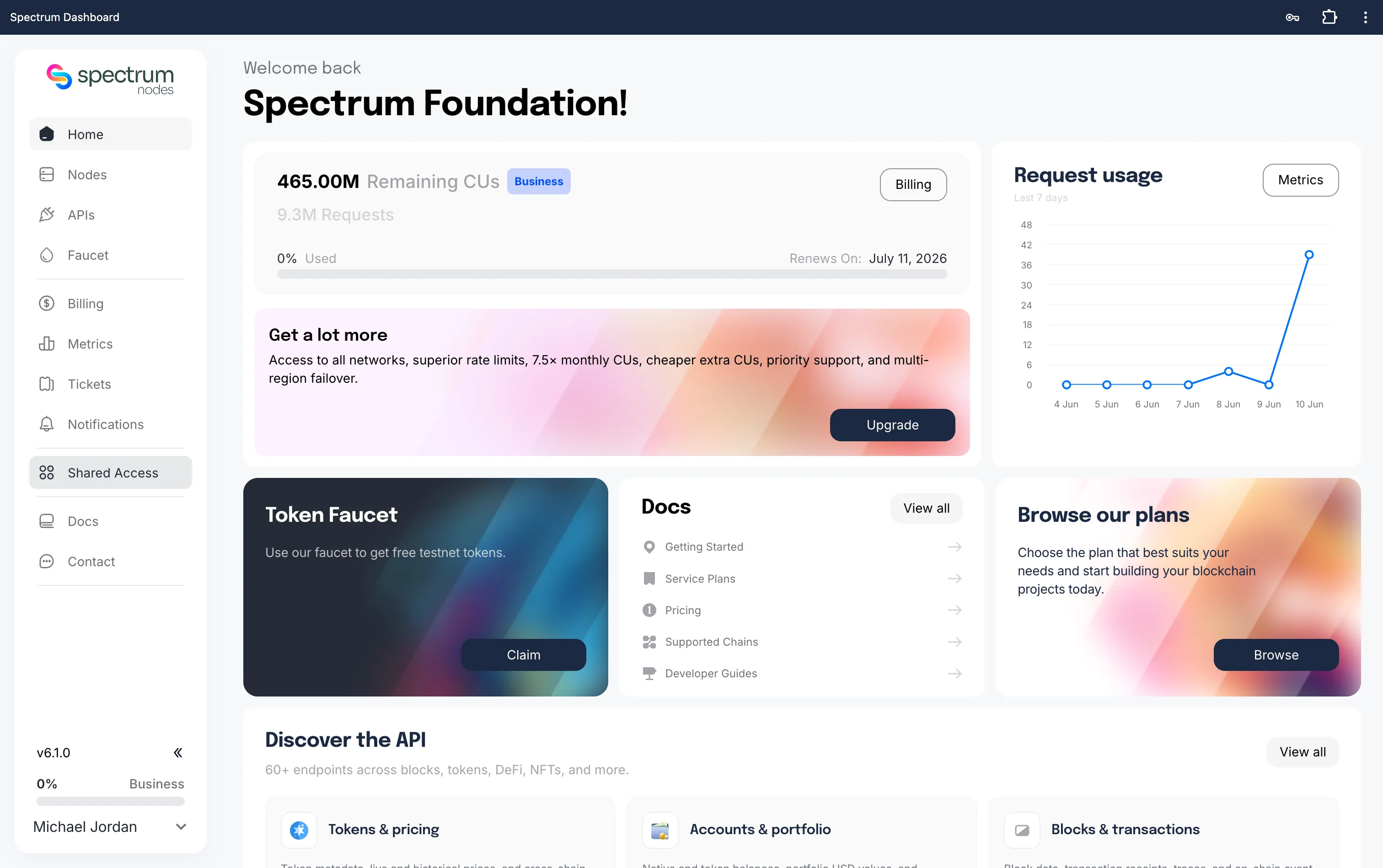
Step 3: Enter Your Code
- Open the Organisations tab.
- Paste your invite code into the Code field.
- Click Redeem Code to join.
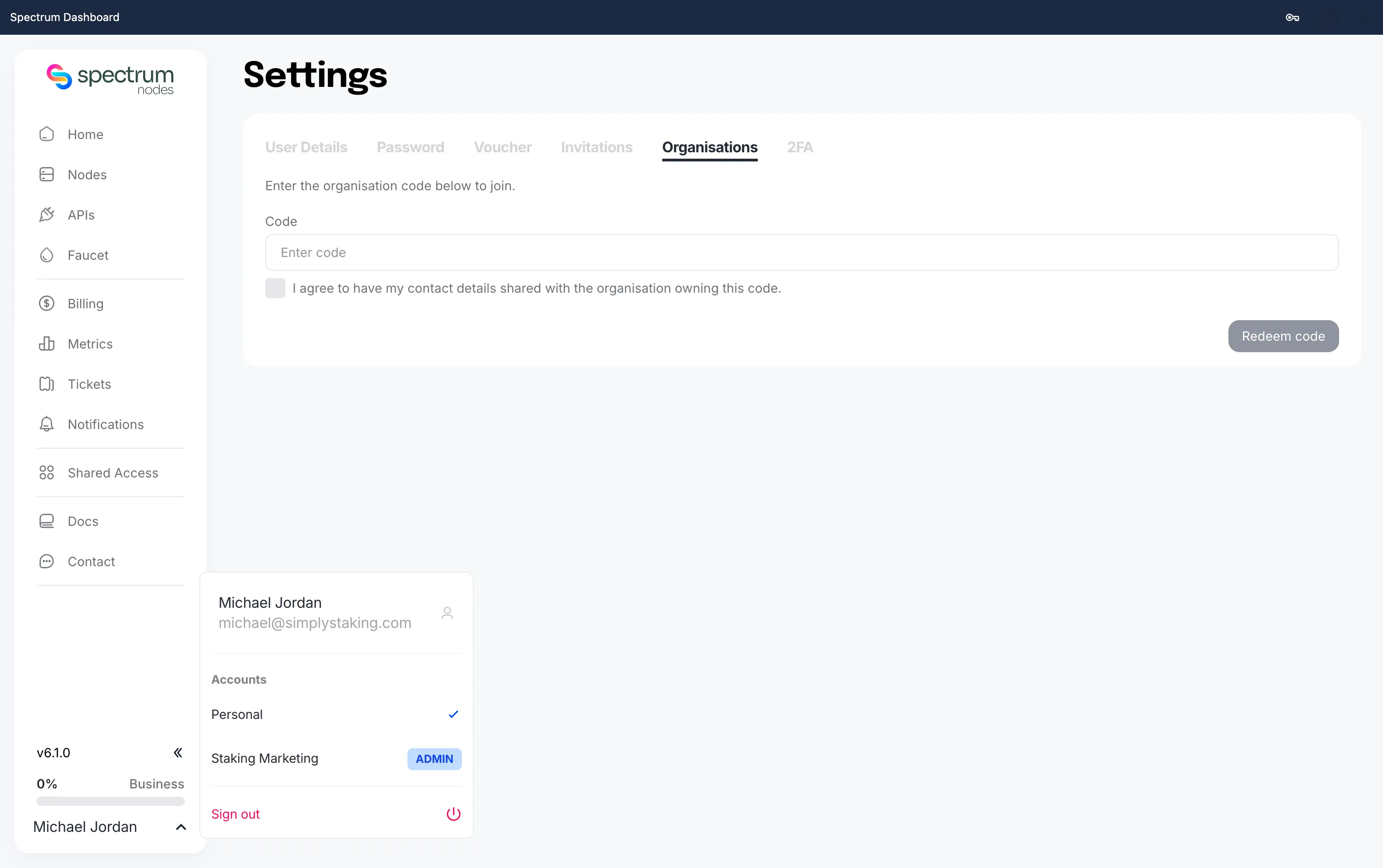
Once redeemed, you’ll automatically be added to the organisation or foundation and gain access to any shared endpoints or nodes they’ve made available.
If the code doesn’t work, it may be expired, have reached its maximum usage, or have been entered incorrectly. Contact the organisation admin for a new code if needed.