Create a Team
Spectrum supports teams, allowing users to manage shared resources under one account.
How to Create a Team
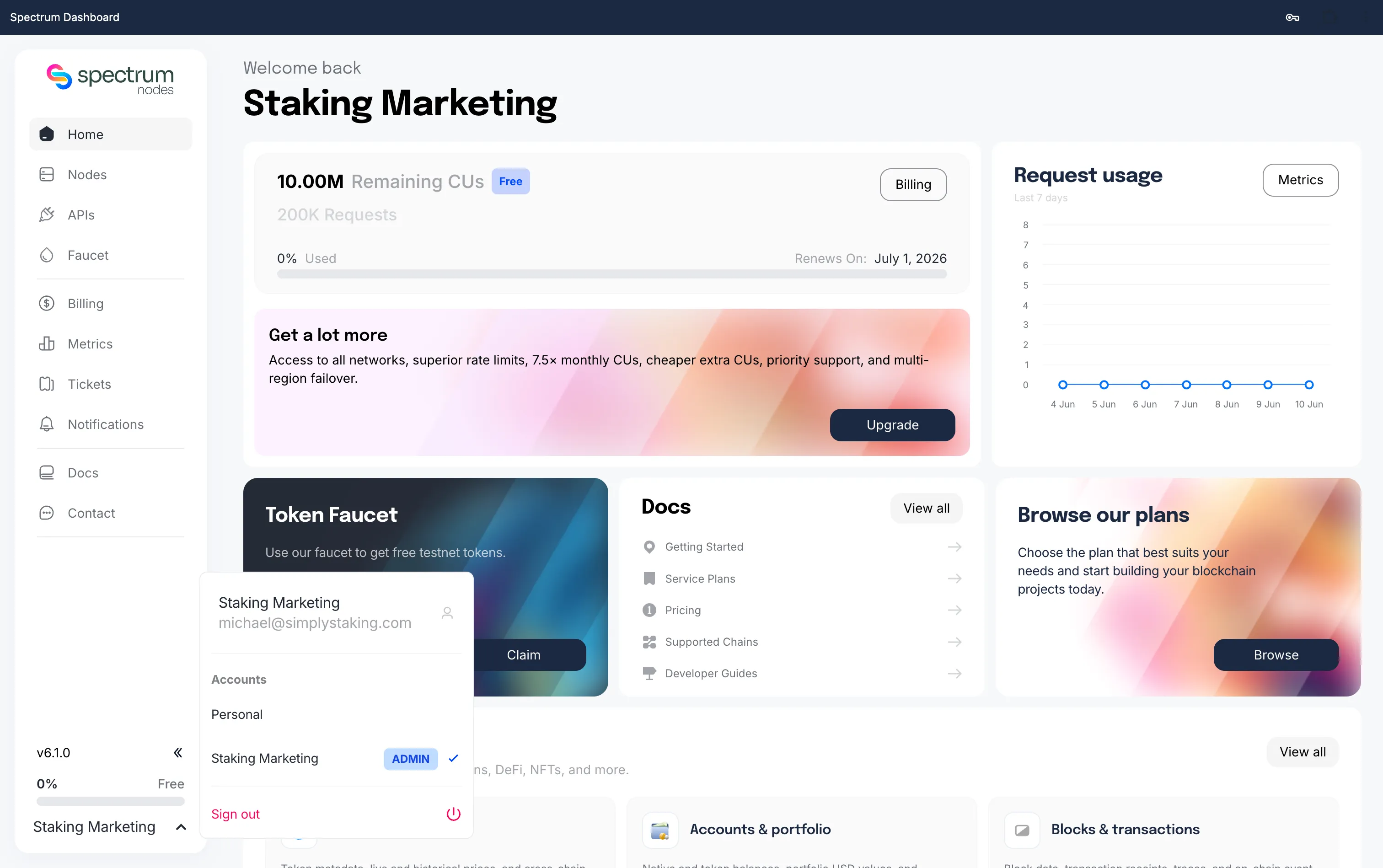
- Open your user dropdown in the bottom-left corner.
- Select Create Team.
- Enter a team name and click Create Team.
- You can edit the name later if needed.
How to Manage Your Team
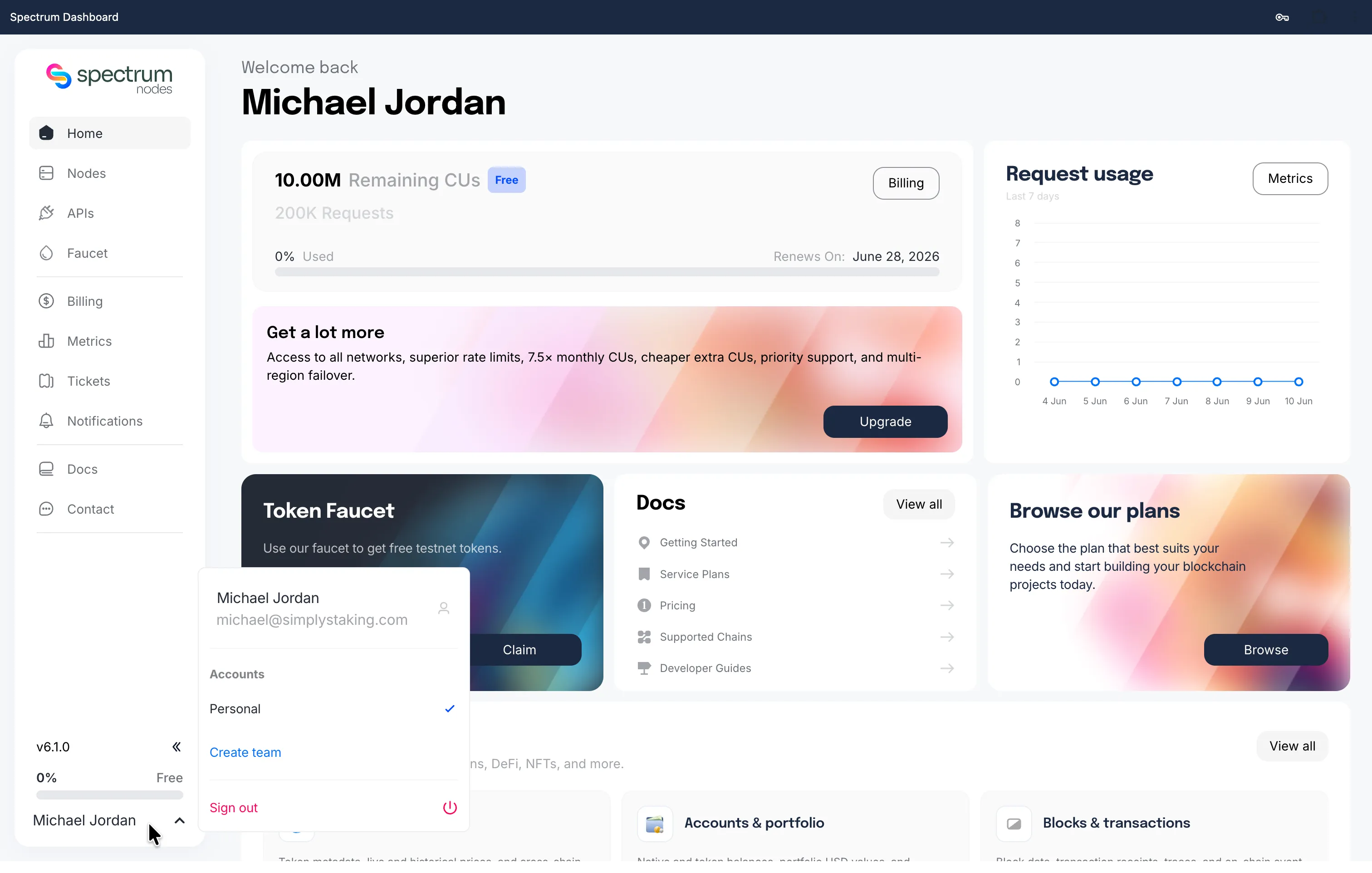
- Switch to your Team Account from the bottom-left corner and click My Team.
- From here, you can:
- Edit team details and settings
- Add or remove members, assign roles, and manage pending invitations
Once added, team members share access to your RPC endpoints, Spectrum Credits, and usage metrics in real time.