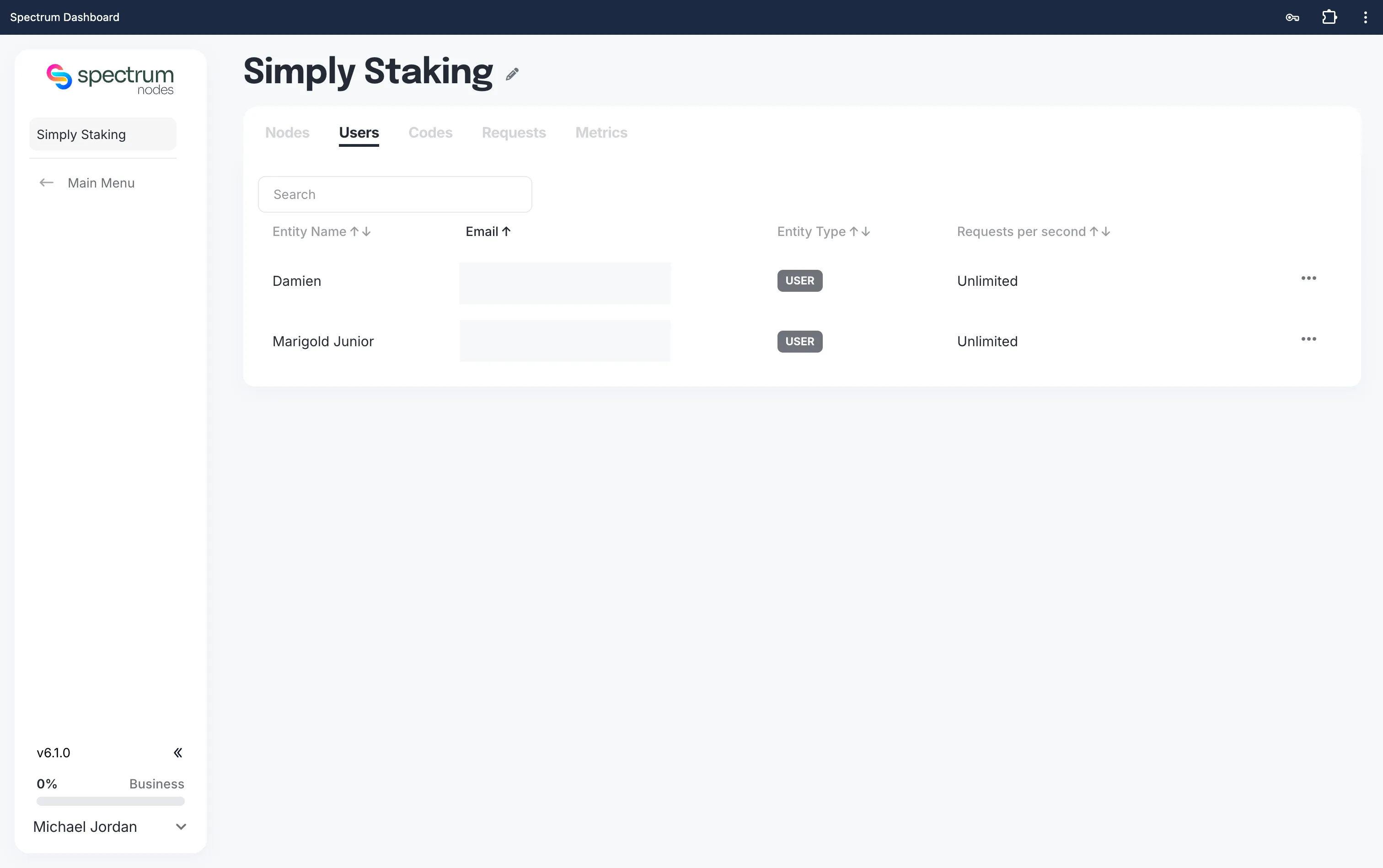
List Your Users
If you manage an organisation or foundation on Spectrum, you can easily view all the users who have joined using your invite code.
Step 1: Log in to Your Dashboard
- Visit: dashboard.spectrumnodes.com
- Enter your user credentials if logged out.
Step 2: Navigate to Shared Access
- In the left sidebar, you should see a Shared Access tab.
- If you do not see the Shared Access tab, you may need to upgrade your account to access this feature.
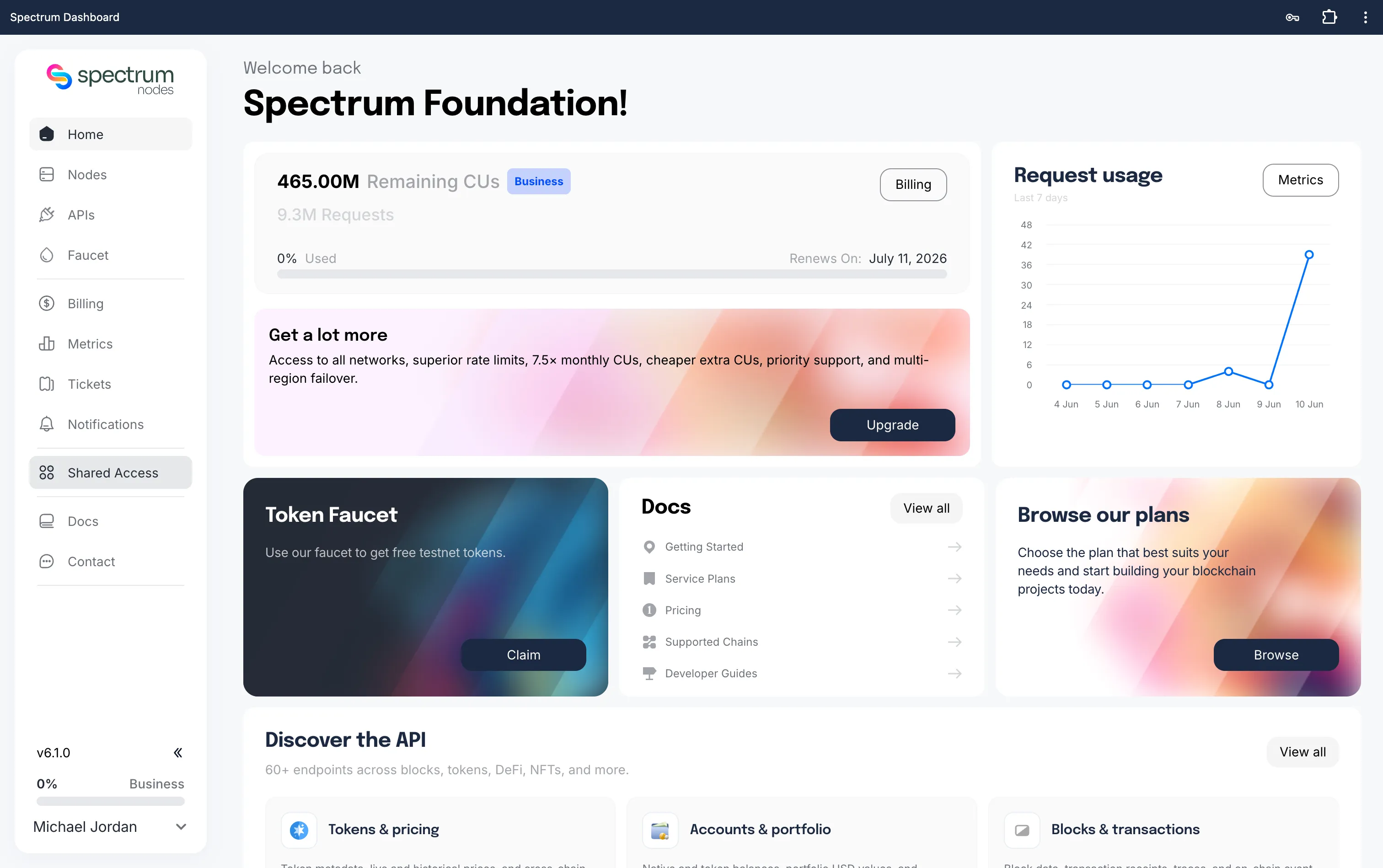
Step 3: Go to Users
- Go to the Users tab within the Shared Access panel
- Here, you’ll see data of all users who have joined your organisation via invite code:
- Name and email
- Requests per second
- Management options to edit request rates or delete users