View Your Dedicated/Sponsored Nodes
Whether you’ve ordered dedicated nodes or joined a sponsored organisation/foundation, you can view your nodes directly from your Spectrum dashboard.
Step 1: Log in to Your Dashboard
- Visit: dashboard.spectrumnodes.com
- Enter your user credentials if logged out.
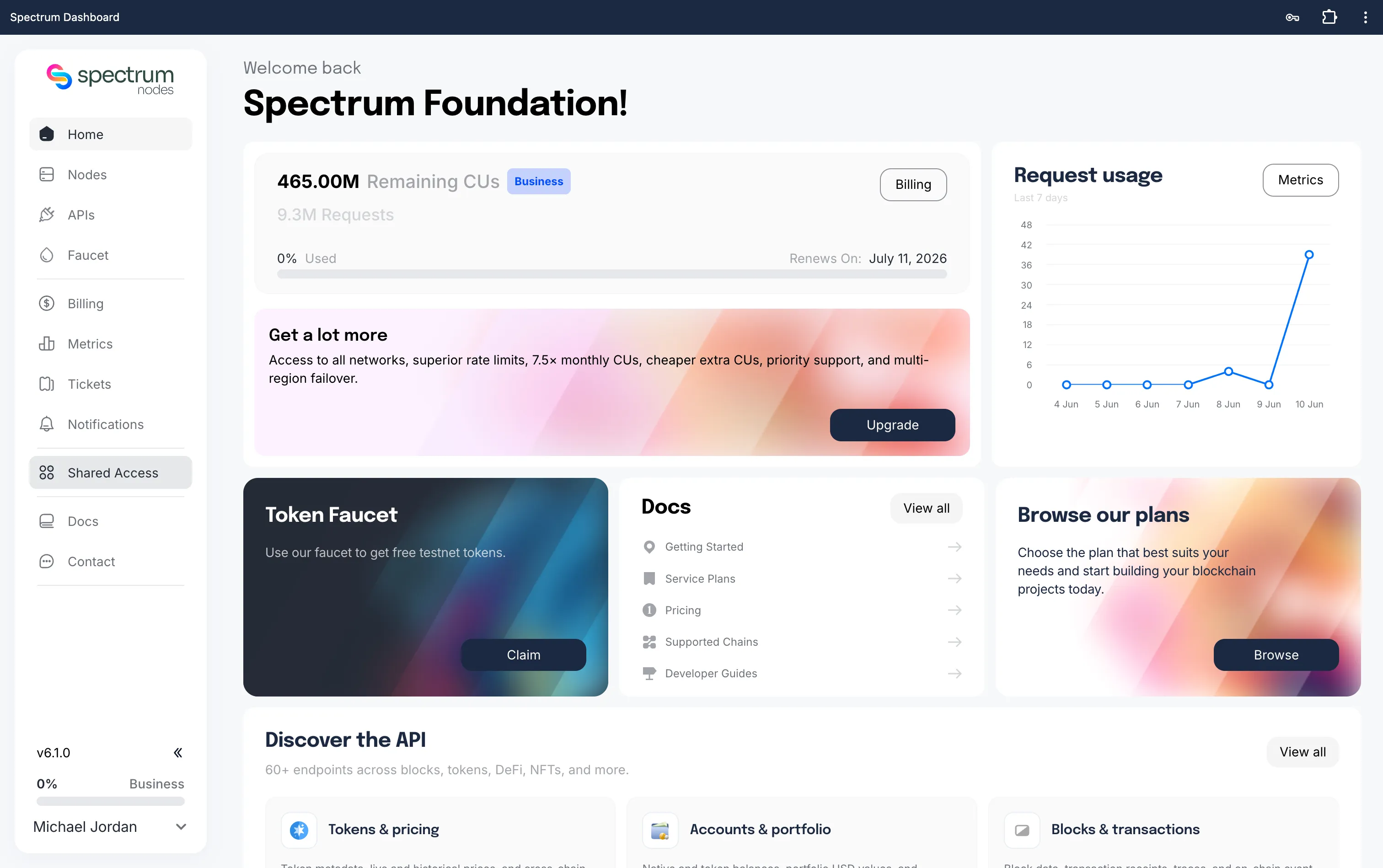
Step 2: Navigate to Shared Access
In the left sidebar, you should see a Shared Access tab.
If you do not see the Shared Access tab, you may need to upgrade your account to access this feature.
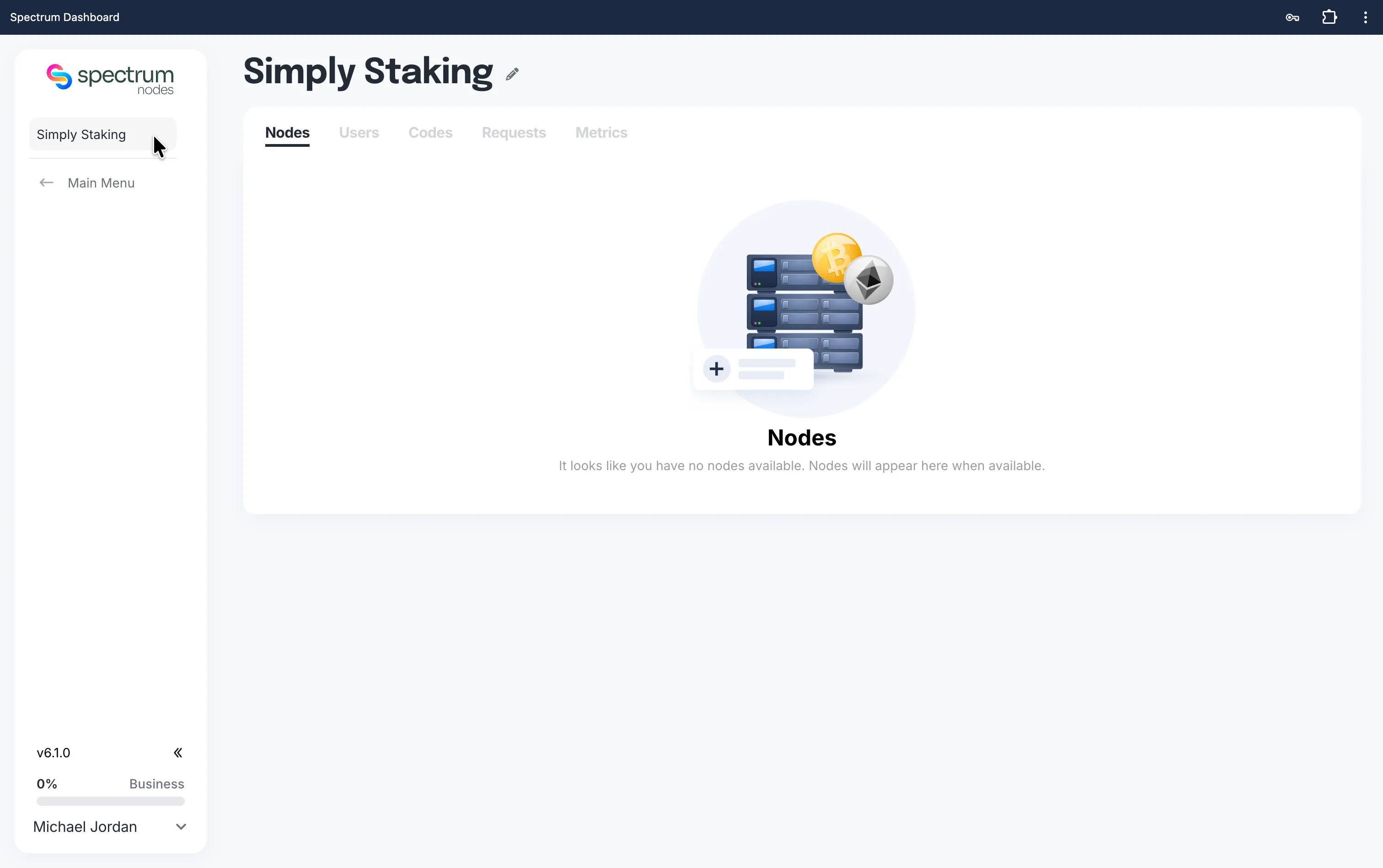
Step 3: View Node Details
Click on any node in your list to view the following details:
- Network
- Chain ID
- Node Type
Want to Request a New Node? If you’d like to request additional dedicated nodes, follow our guide: Open a Support Ticket
Need Help?
If you run into issues or have questions, please contact us via spectrumnodes.com/#contact
We’re always happy to help.