How to Claim a Voucher
Vouchers let you add balance or credits to your Spectrum account by redeeming a code.
Step 1: Log in to Your Dashboard
- Visit: dashboard.spectrumnodes.com
- Enter your user credentials if logged out, or Create Your Account.
Step 2: Go to Your Account
- In the bottom-left corner, click your name.
- Click Profile to open your account.
Step 3: Redeem Your Voucher
- Open the Voucher tab.
- Enter your voucher / claim code.
- Select Redeem Voucher.
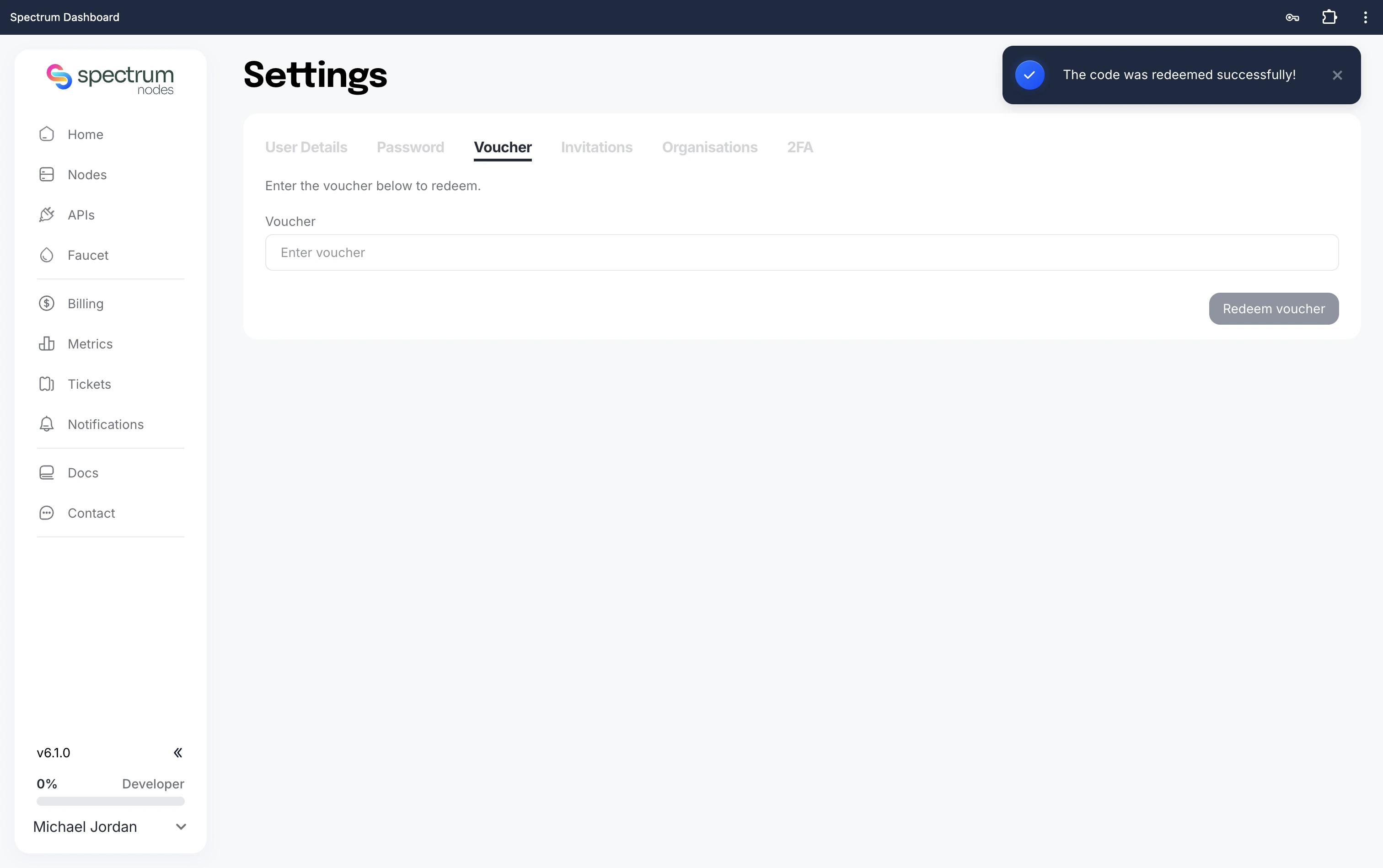
Step 4: Confirm Redemption
After submitting:
- A confirmation message will appear if the voucher is valid.
- Your account balance or credits will update automatically.
Troubleshooting
If your voucher does not work:
- Double-check the code for typos.
- Ensure the voucher has not expired.
- Confirm it has not already been used.
If issues persist, contact support by creating a support ticket.